Before you start
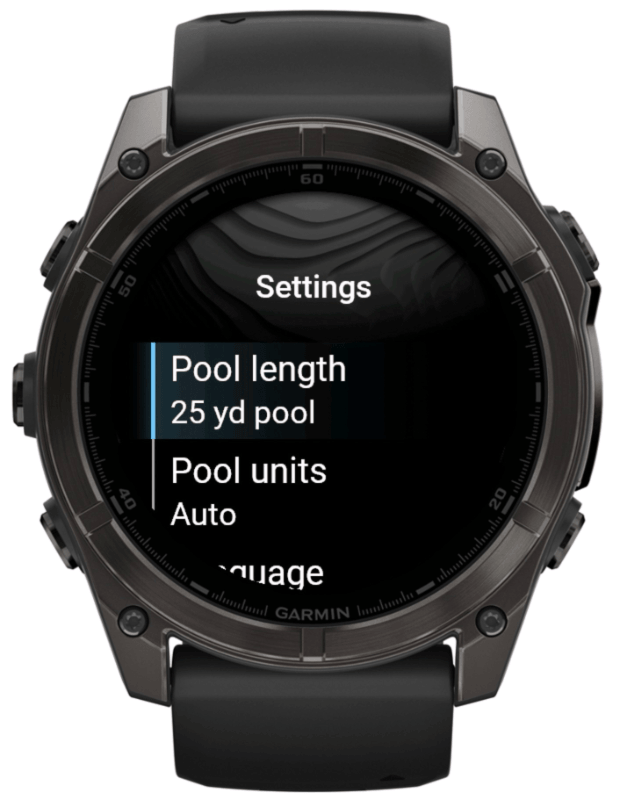
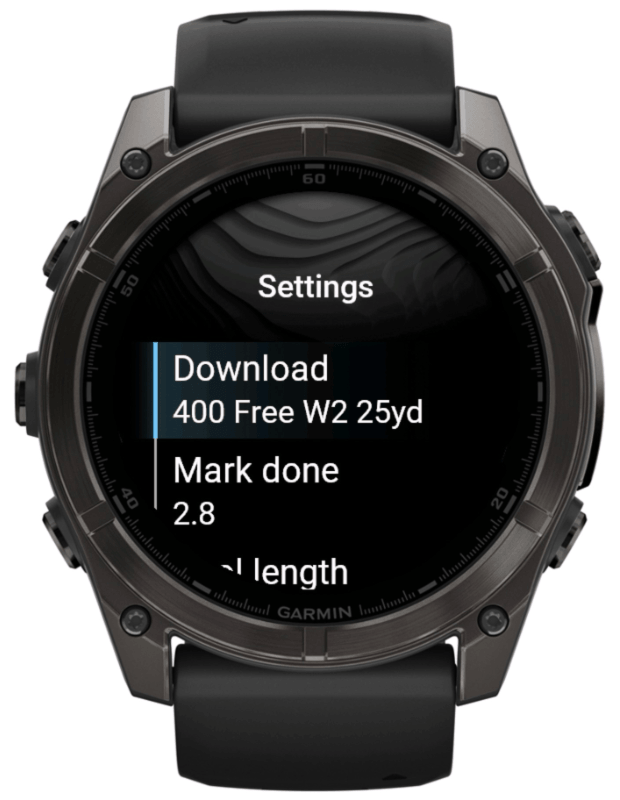
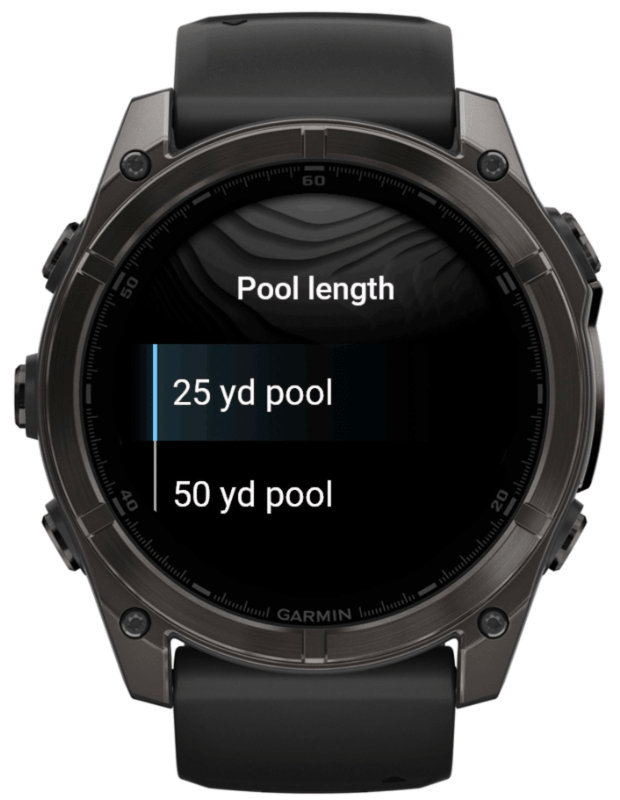
Install Swim Workouts on a supported Garmin watch and keep the watch connected to your phone or Wi-Fi. Choose the pool length, pool units, and app language from the watch menu or Garmin Connect IQ settings before downloading.
Choose a workout
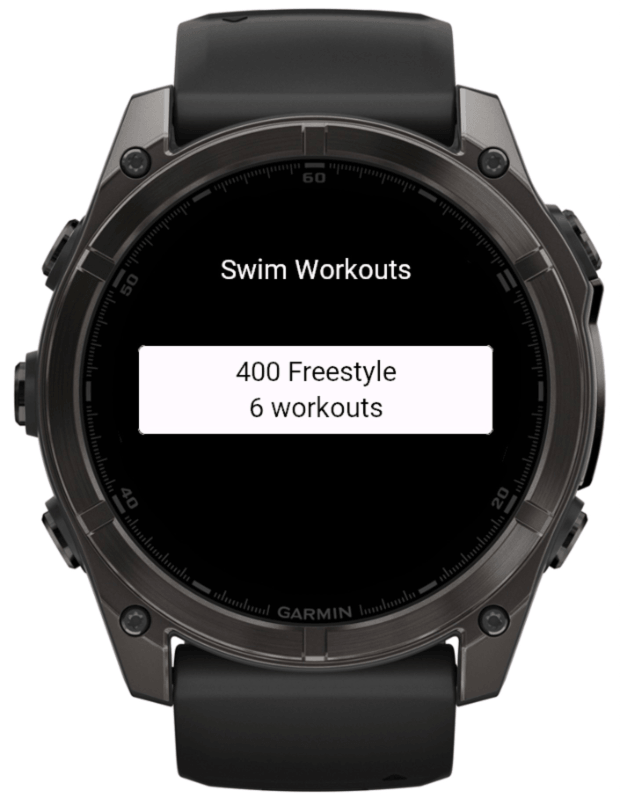
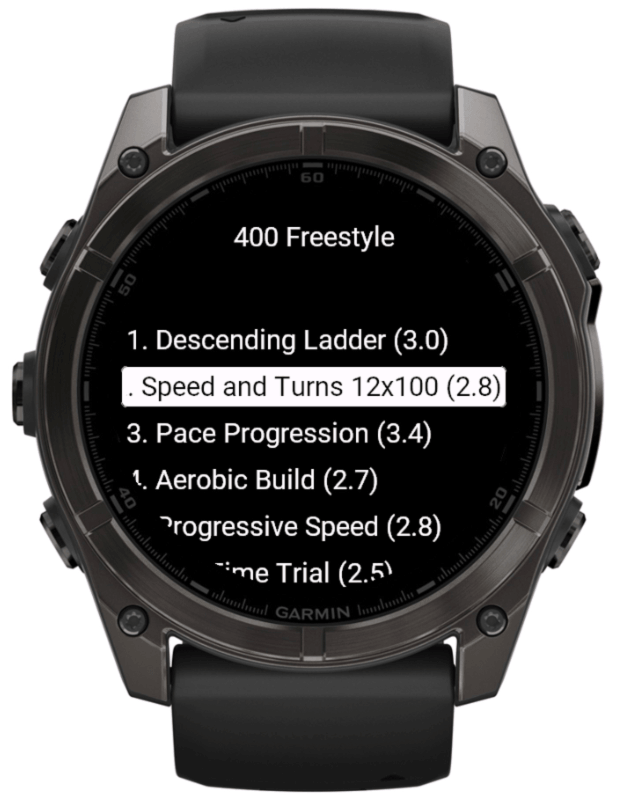
- Open Swim Workouts on the watch.
- Select the 400 Freestyle plan.
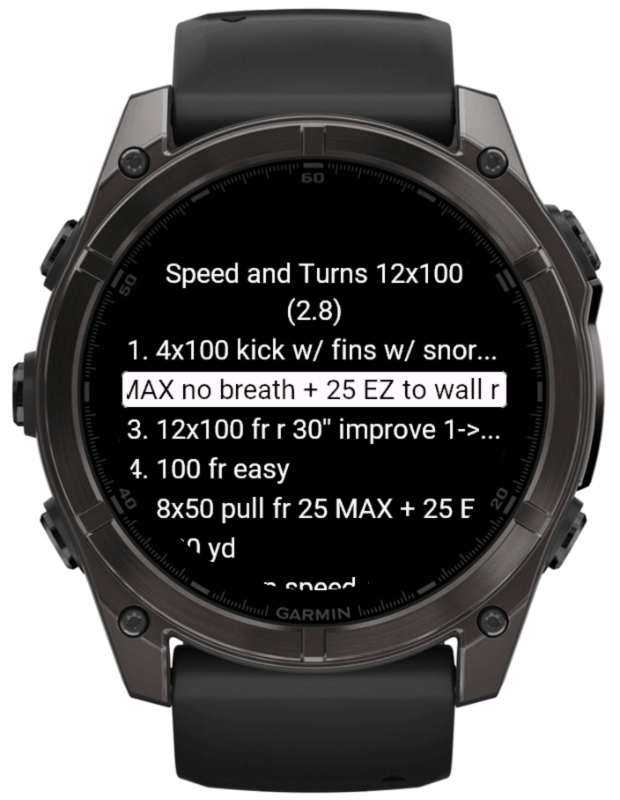
- Choose the workout you want to swim.
- Open the menu if you need to change pool length, pool units, or language.
- Review the workout steps on the watch before saving it.
Save it to the watch
- Press START or tap Sync on the workout screen.
- Keep the watch connected while the workout is saved.
- Wait for the saved confirmation.
Swim Workouts saves the selected pool version, such as 25 m, 50 m, 25 yd, or 50 yd, so the workout matches the pool setting you chose.
Open it in Pool Swim
- Open Garmin Pool Swim on the watch.
- Go to Training / Workouts.
- Select the saved Swim Workouts workout.
- Start the workout and follow the Garmin swim workout screens.
Garmin Pool Swim records the swim through Garmin's standard workout flow. Swim Workouts prepares the workout plan and hands it to Pool Swim.
Remove saved workouts
Saved workouts can be removed with Garmin's standard workout tools. On many watches, open the workout from the Garmin workout list, open the workout options, and choose the delete or remove action. In Garmin Connect, open the workouts area, choose the workout, and use Garmin's delete action.
Exact labels can vary by watch model, firmware, and Garmin Connect version. Deleting a saved workout plan does not delete completed swim activities.
Garmin's support article on deleting workouts is available at support.garmin.com.