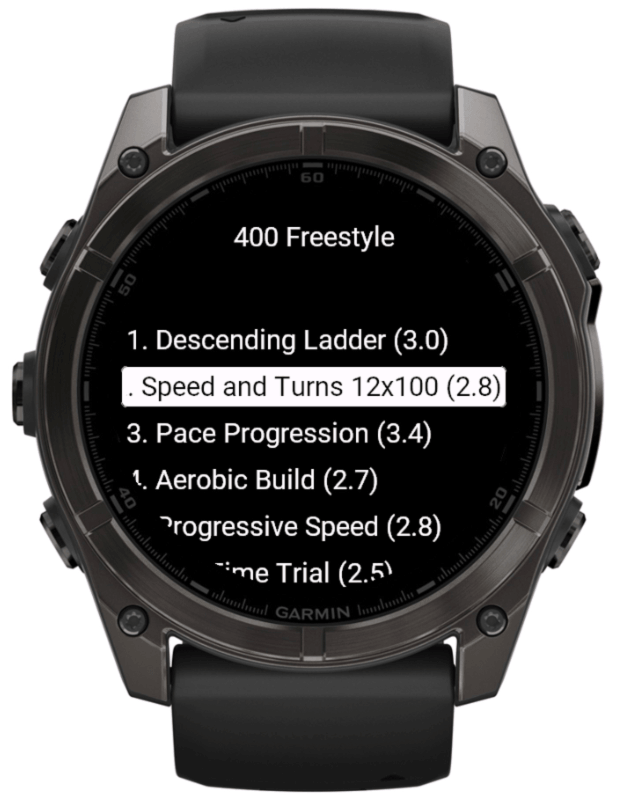
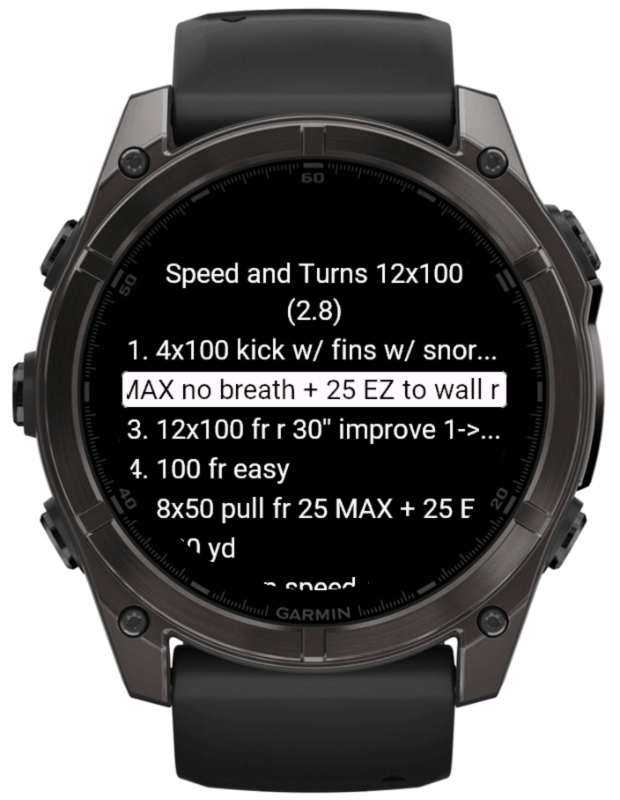
1. Choose the session
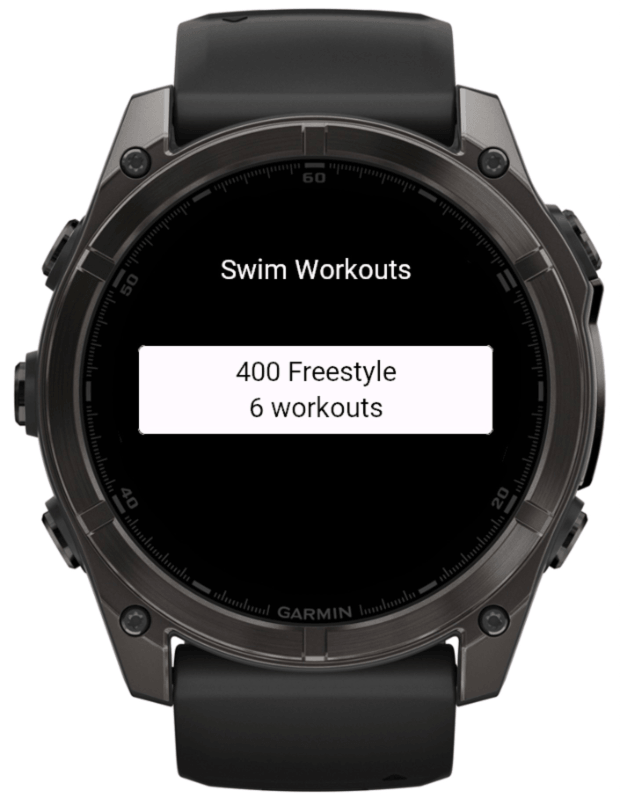
Open Swim Workouts, press UP/MENU, then choose the 400 Freestyle plan and the workout you want to swim.
2. Match your pool
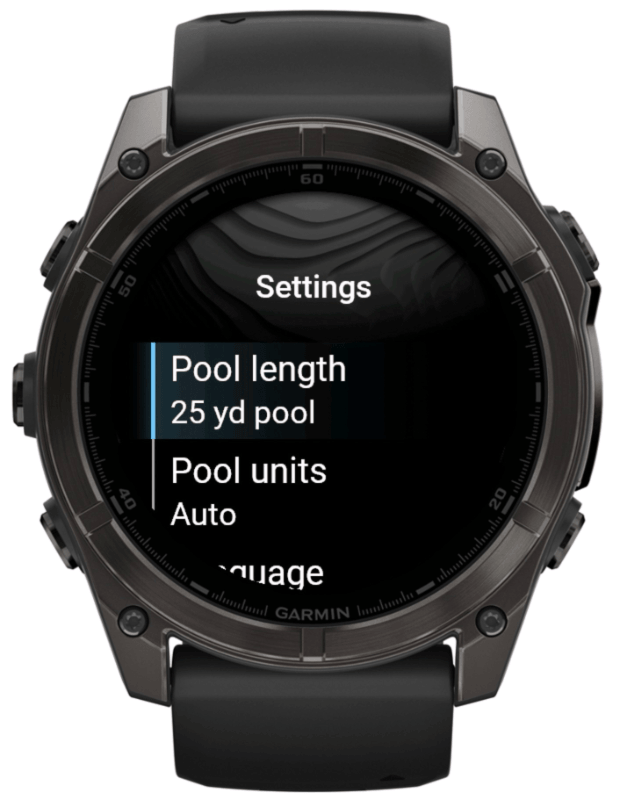
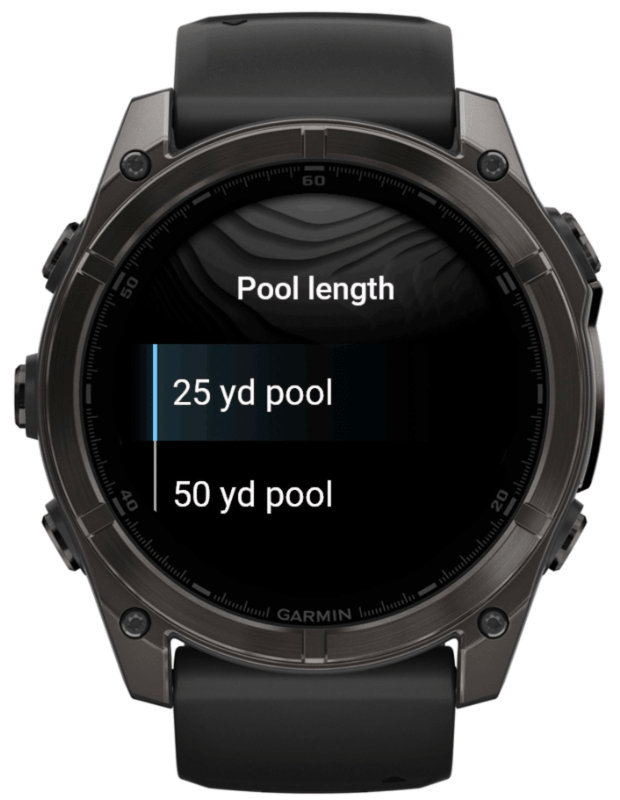
Choose the pool length and units that match where you swim: 25 m, 50 m, 25 yd, or 50 yd. Language, default pool length, and pool units can also be changed from Garmin Connect IQ app settings.
3. Save it to the watch
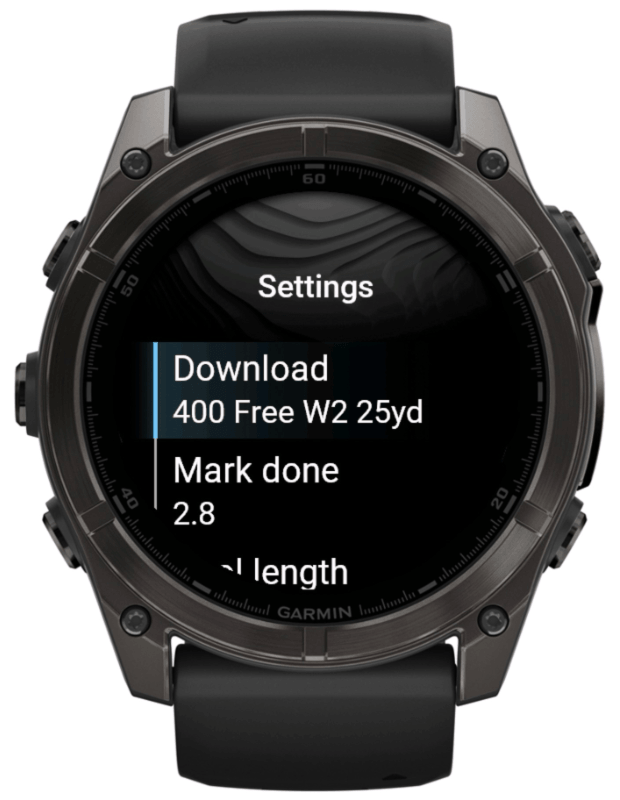
Press Sync. Swim Workouts saves the matching Garmin workout to the device.
4. Find it in Pool Swim
Open Pool Swim / Training / Workouts and select the saved workout from Garmin's standard workout list.
5. Swim and record
Start the workout from Pool Swim. Garmin Pool Swim guides the steps, counts the swim, and saves the activity through Garmin's standard workout flow.
6. Remove if needed
If you no longer need a saved workout, delete it with Garmin's standard workout tools on the watch or in Garmin Connect. Deleting the saved workout plan does not delete completed swim activities.